Opens and writes
- IFC 4.3
- IFC 2×3
- DWG
- DXF
- glTF
- 3dm
- OBJ
- FBX
- XLSX
From the first wall to the last sheet
One model.
Every drawing you owe.
01
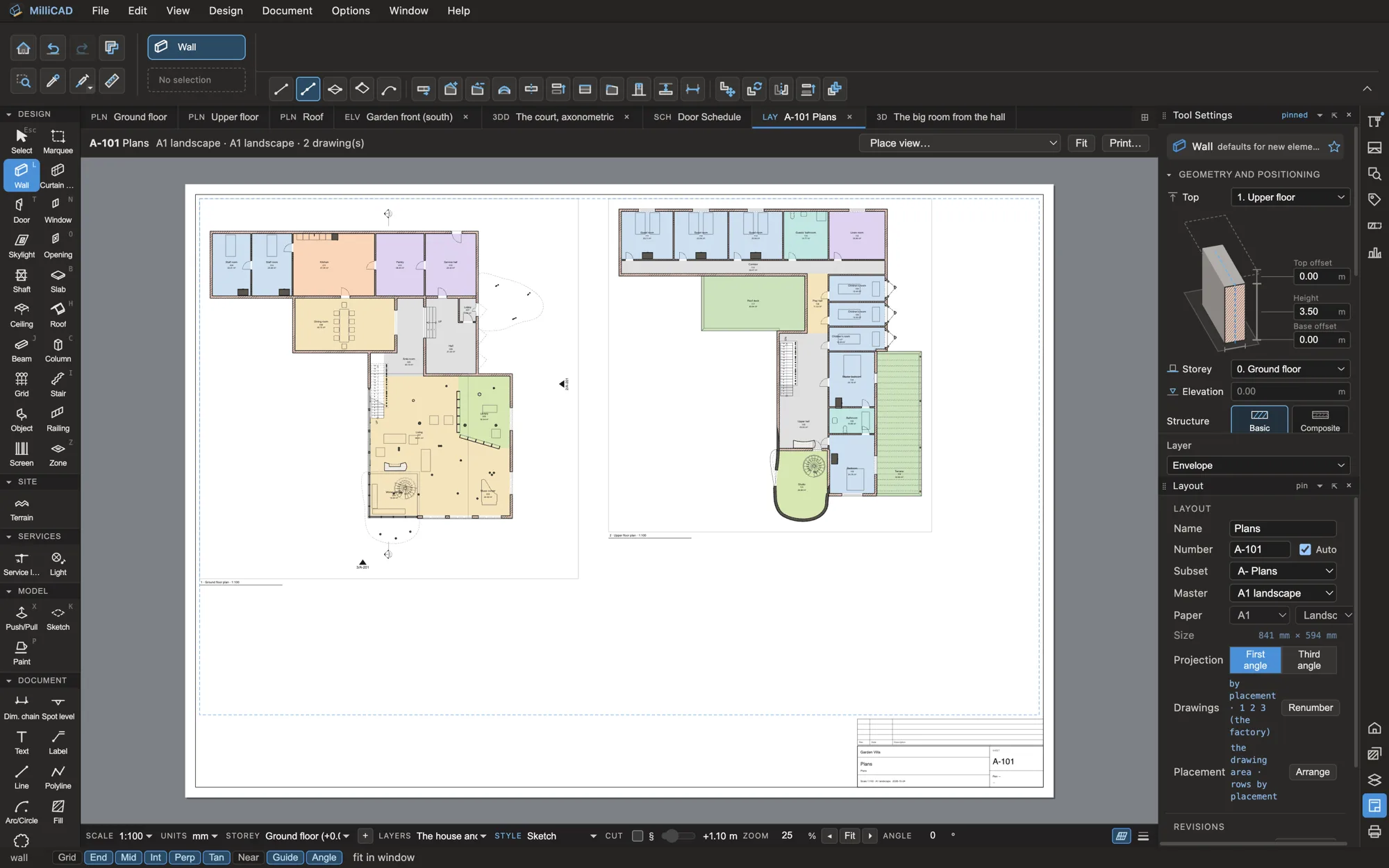
Model the way architects think
Modelling
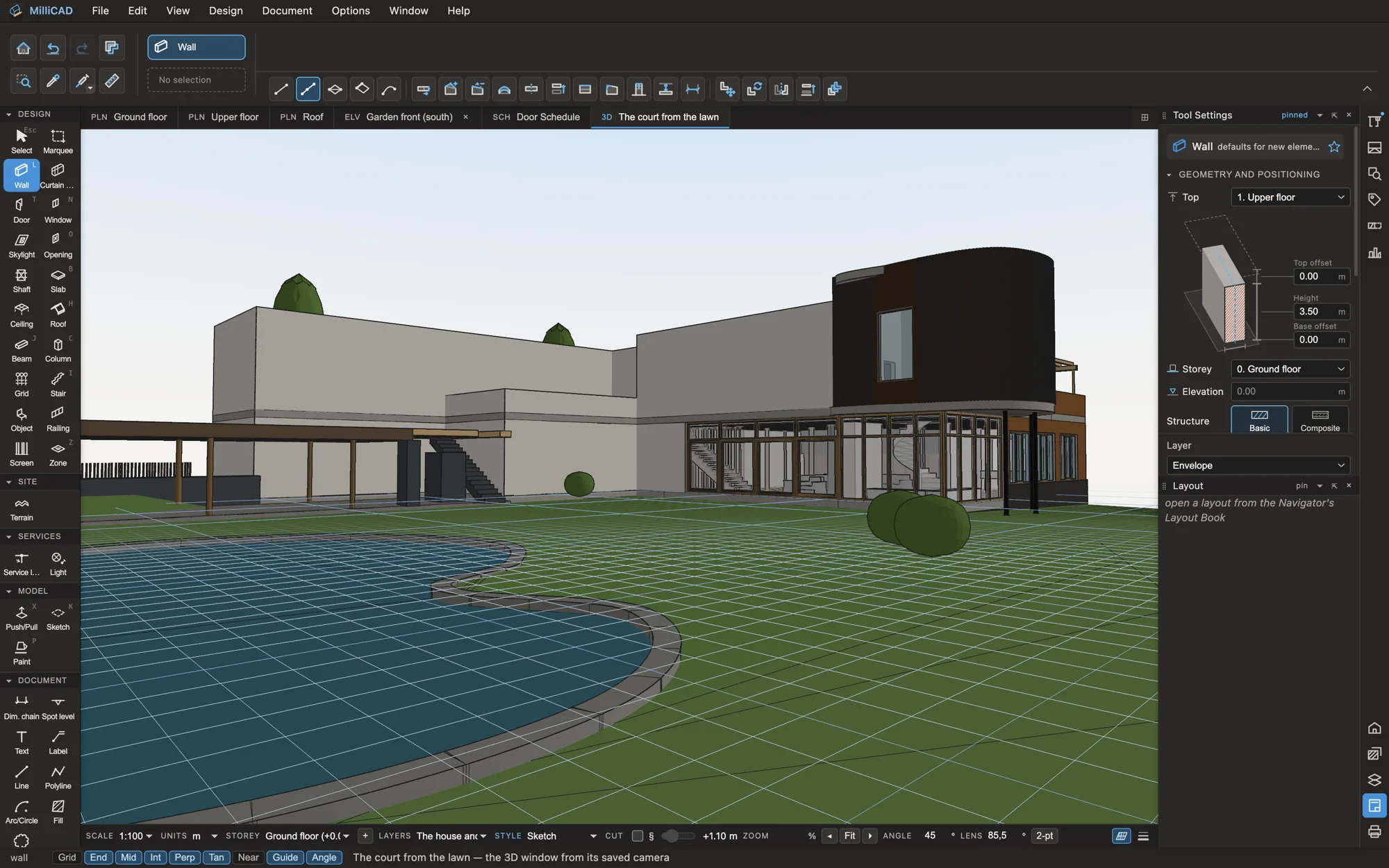
Walls, slabs, roofs, stairs, curtain walls and railings with real build-ups. Click, type a distance, press Tab, press Enter. Distance guides, snapping in 3D and editing planes on any face, and never a settings dialog over your work.
- Multi-plane roofs, winders and spiral stairs
- Composite walls and slabs that join layer by layer
- Free-form solids, sketches and Rhino 3dm import
02
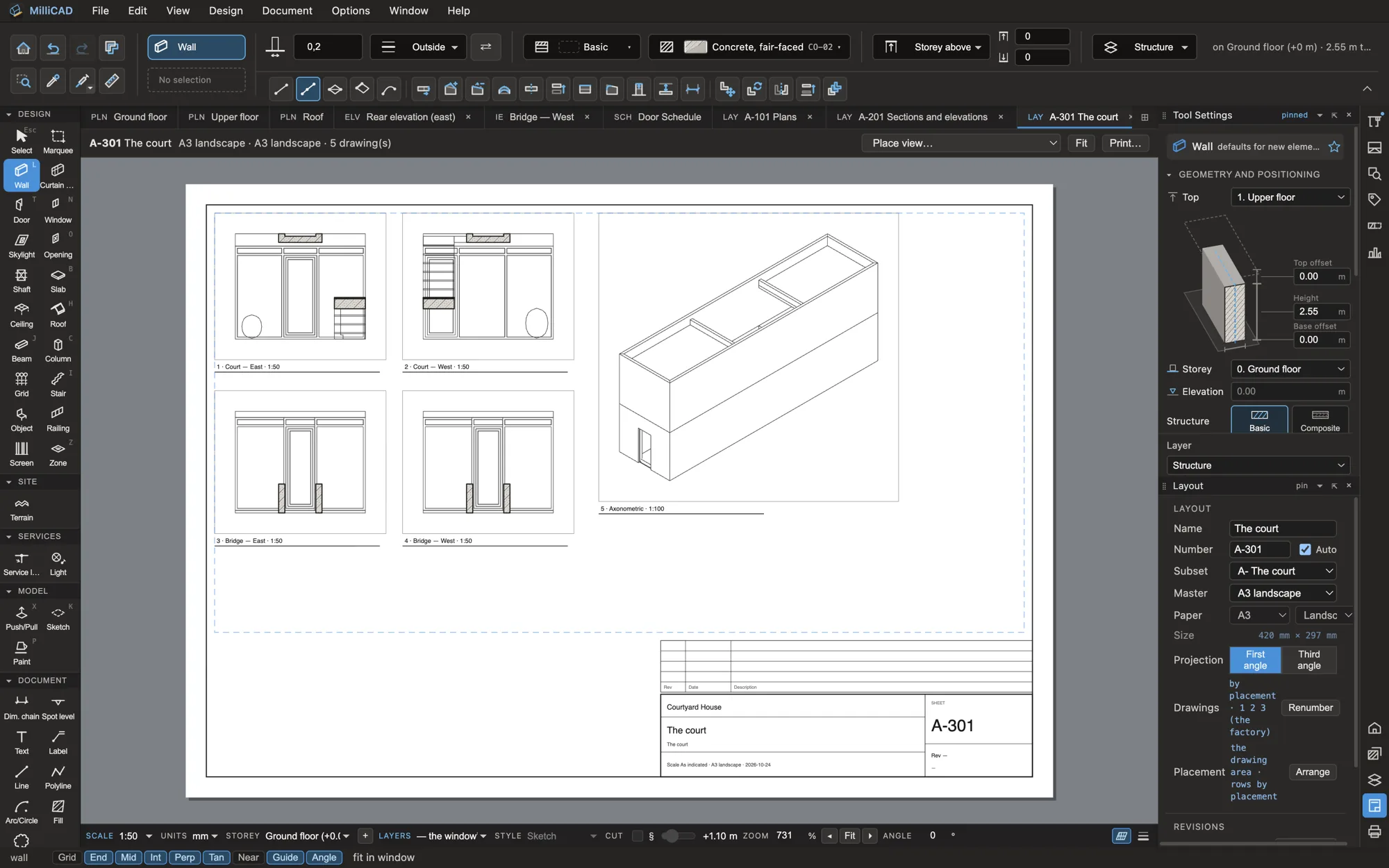
Documents that keep up with the design
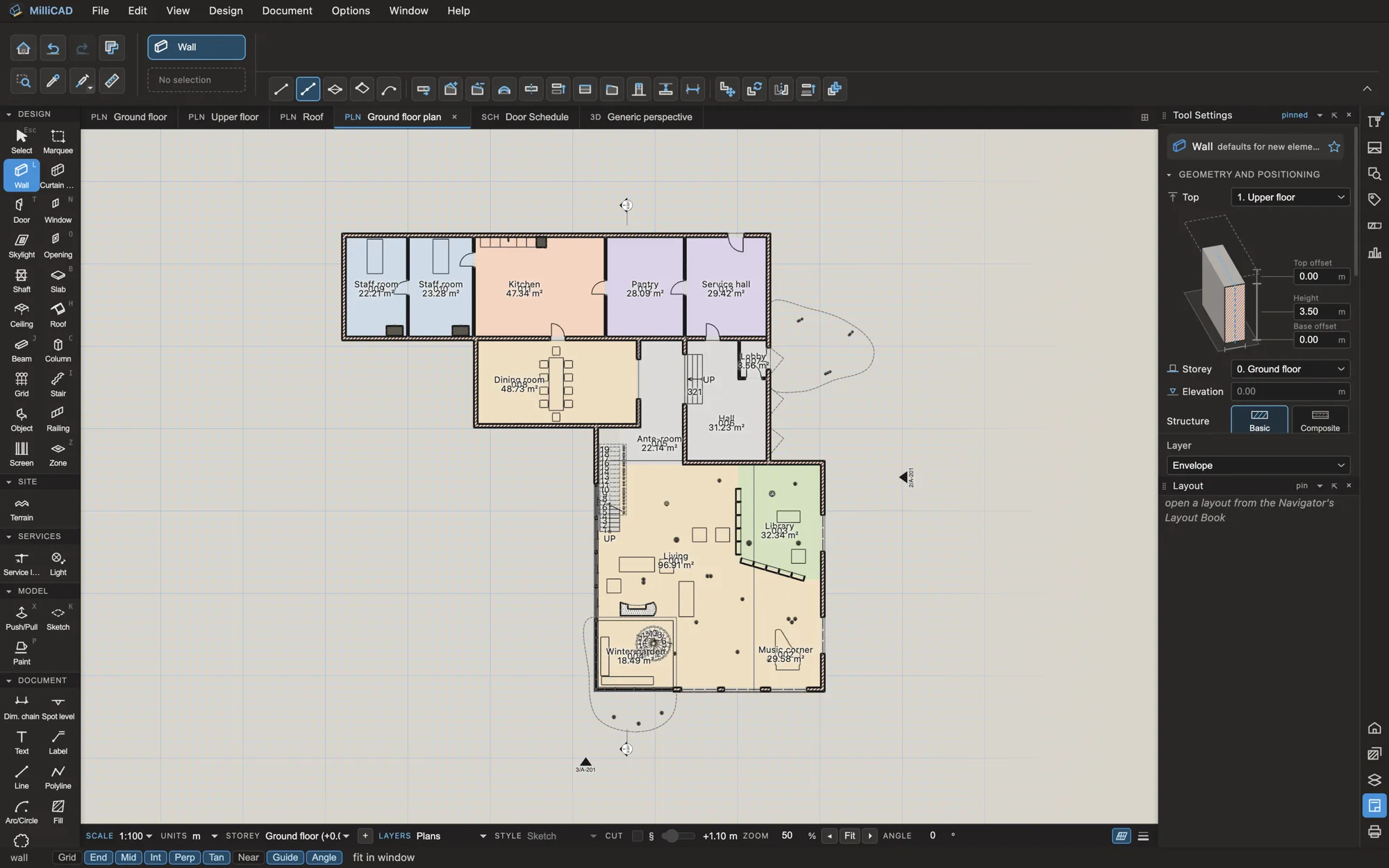
Documentation
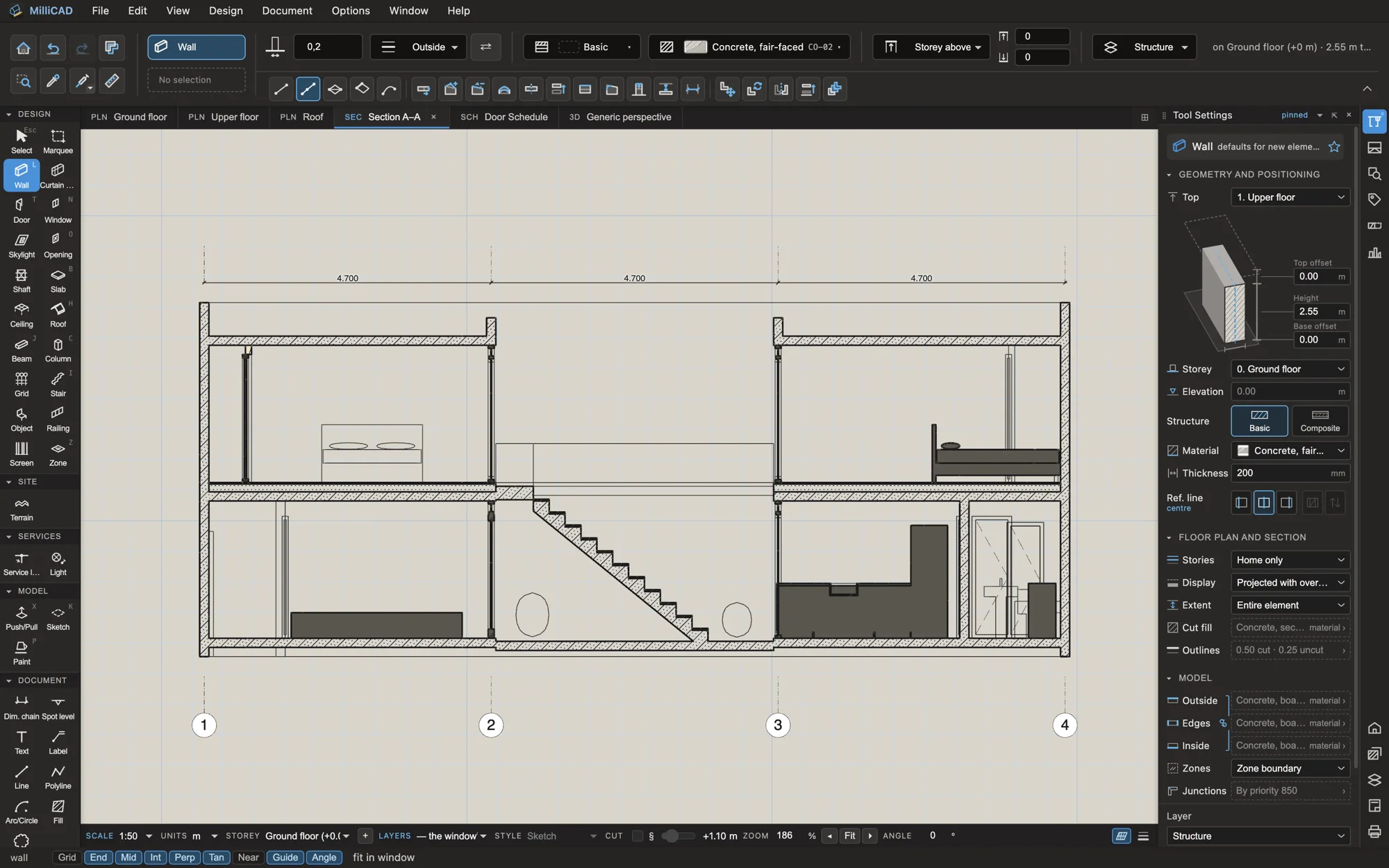
Sections, elevations, interior elevations and details stay live with the model. Place them on sheets with your title block, number them, issue them with revisions and transmittals, and publish the set to PDF with bookmarks.
- Schedules for doors, windows, rooms and finishes
- Dimensions, labels, keynotes and legends
- A layout book with masters, issues and revisions
03
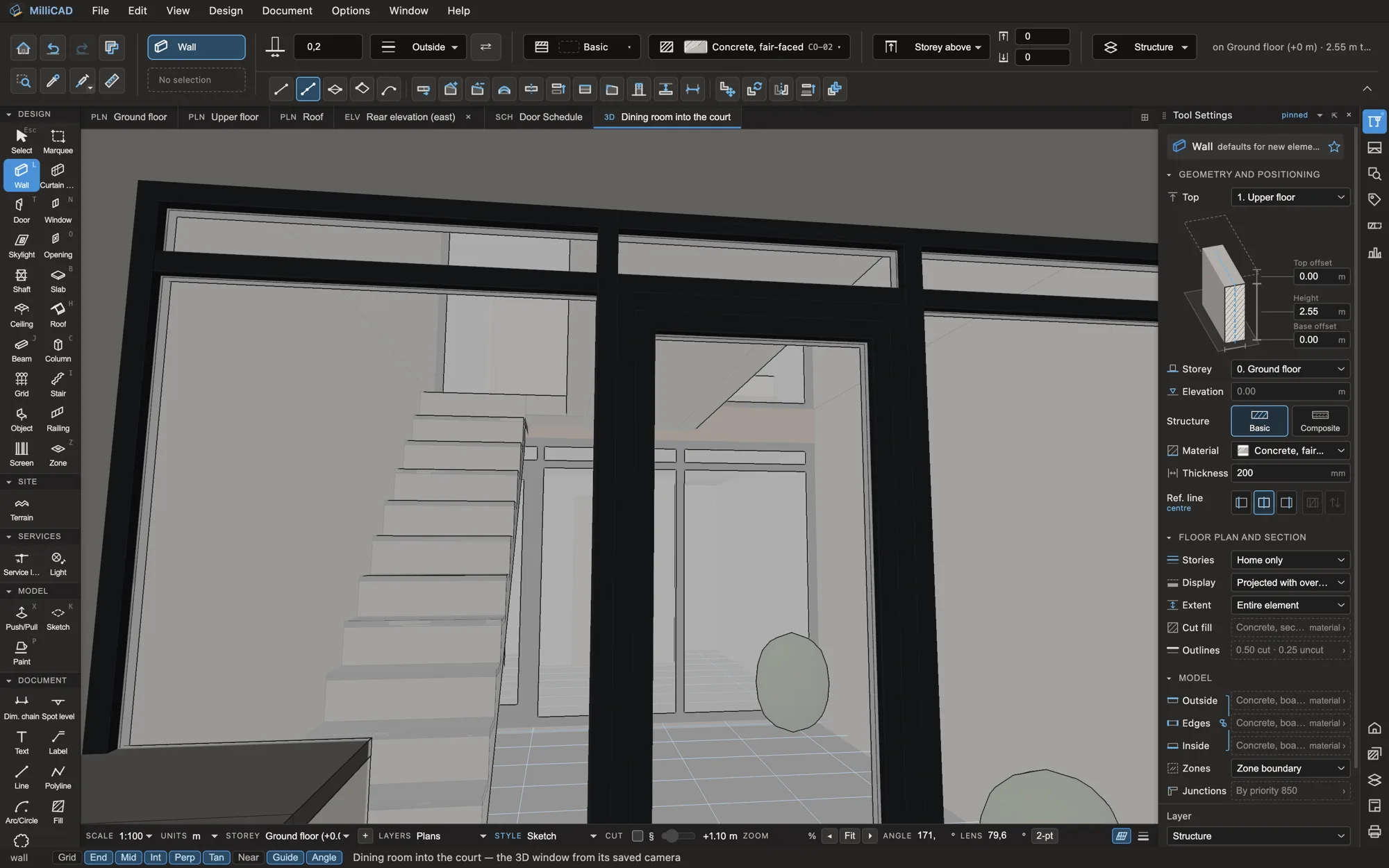
Interiors in the same model
Interior design
Paint a room’s finishes, set its ceiling and specify every piece of furniture, lighting and joinery in the building you already modelled. Finish plans, FF&E schedules and cut lists come out of the same file.
- Coded finishes and room finish schedules
- FF&E by room and by supplier, with a client copy
- Boards, edge bands and a millwork cut list
04
Exchange without the fear
Interoperability
MilliCAD is built on IFC, so your model is open by design. Hand consultants IFC 4.3 or 2×3, send DWG and DXF that AutoCAD edits cleanly, and take the model to Twinmotion, Blender or SketchUp through glTF.
- IFC in and out, keeping your element IDs
- DWG and DXF, linked or imported
- PDF sets, XLSX schedules, glTF, OBJ, FBX and STL
< 2 s
to open a 50,000-element model
0
settings dialogs over your work
1
file for architecture and interiors
Mac · Win
native apps that work offline
Why MilliCAD
Built for the studio
of one to ten.
| MilliCAD | Enterprise BIM | 2D CAD | |
|---|---|---|---|
| Plans, sections and sheets from one 3D model | ● | ● | — |
| IFC and DWG in the box | ● | ● | DWG only |
| Finishes, FF&E and millwork in the same model | ● | Add-ons | — |
| Indonesian boards, codes and permit metrics | ● | — | — |
| Runs well on an ordinary laptop | ● | Workstation | ● |
| Priced for a small studio | ● | — | Partly |
For interior designers
Finishes, FF&E and joinery, drawn from the model.
- FinishesCoded PT-01, TL-01 … painted per room, wall band and ceiling
- FF&ESpecs with supplier, status and cost; schedules by room
- Furniture drawingsInterior elevations per room edge, on sheets
- CaseworkCabinet runs and shop drawings coming
Pricing
Three editions. One honest price.
Prices are set before 1.0. Join the waitlist and lock in founding-member pricing.
A
Studio
For architects. Modelling, documentation, schedules and the whole sheet set, with IFC and DWG.
B
Interior
For interior designers. Rooms, finishes, ceilings, FF&E and furniture drawings, with IFC and DWG.
A + B
Complete
Everything in Studio and Interior, plus casework as it ships. For practices that do both.
Questions
Asked often.
Can I use MilliCAD today?
MilliCAD is in alpha. Design partners get the installers for Mac and Windows and work with us directly. Everyone else can join the waitlist, and we’ll write when the beta opens.
Can I work with consultants who use Archicad, Revit or AutoCAD?
Yes. MilliCAD reads and writes IFC 4.3 and IFC 2×3, and DWG and DXF, so you can exchange models and drawings with any office.
Where are my files kept?
On your own computer. A project is a single file, with dated backups and an autosave beside it. MilliCAD works offline.
Does it know Indonesian practice?
The regional library ships with Indonesian boards, finishes and service codes, and the area statement checks a plot’s permit metrics. Bahasa Indonesia comes later.
What will it cost?
Less than a small studio pays today. Prices are set before 1.0. People on the waitlist get founding-member pricing.
What comes next?
A beta with a full permit set and casework, then 1.0 with an office server, Bahasa Indonesia and AI assistants through an MCP server. See the roadmap.
Early access
Draw your next project in MilliCAD.
We’re looking for a few studios in Indonesia and Southeast Asia to shape the beta with us.